Display information in table format with Pandas library (انتشار: 1402/07/04)
It must have happened to you that you wanted to have different results obtained from your output in the form of a table so that you can compare them more easily. Although there are many ways to do this, the Panda library has included a part called DataFrame to facilitate the work for programmers, which will be explained with a simple example.
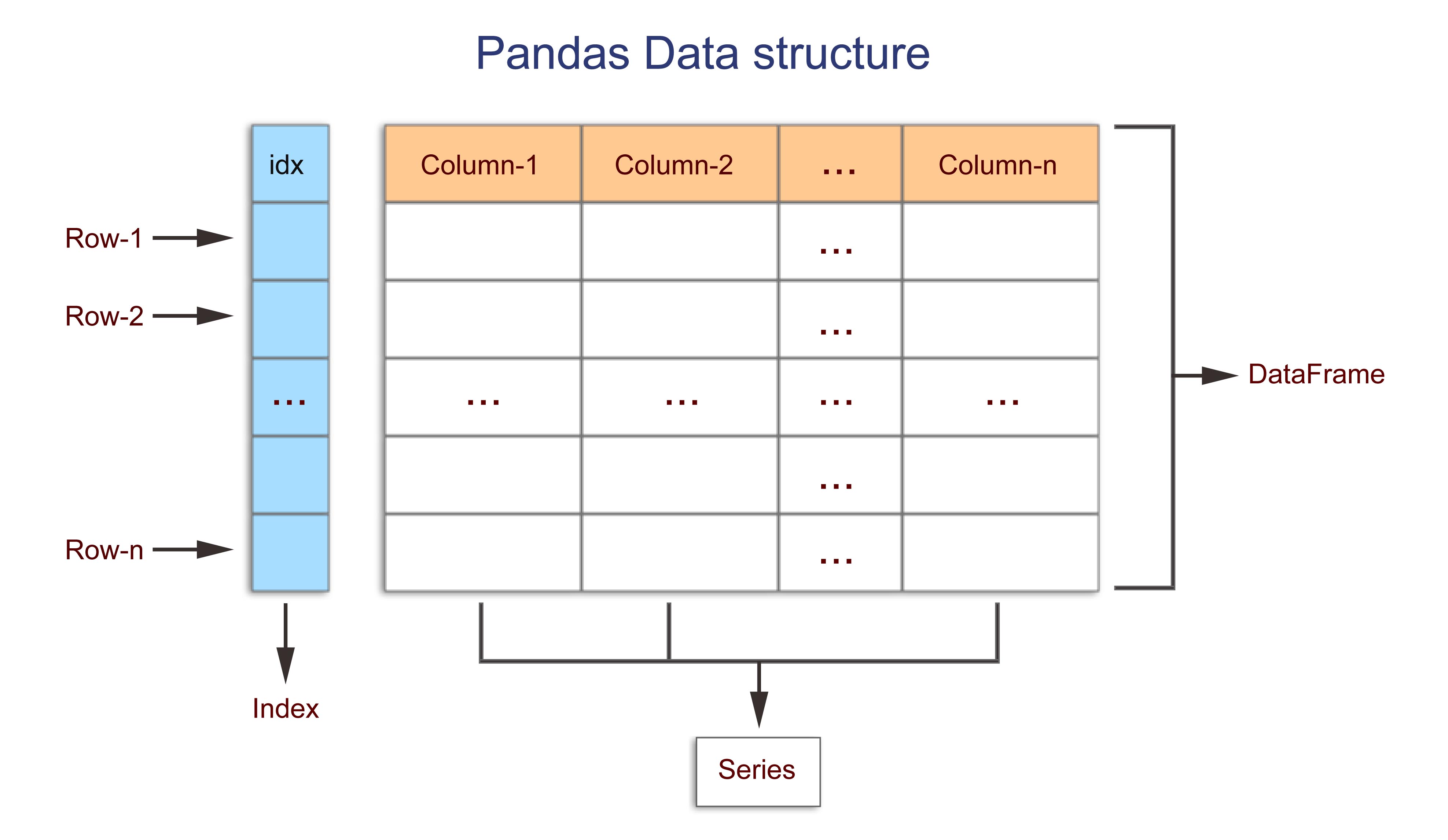
We assume that we have a list of numbers named "x", "y", "z" that we want to display in the format of "Col_1", "Col_2", "Col_3". Here, we used the range function to generate our numbers to get familiar with this function. The first parameter is for the start, the second is for the end of our number range, and the third parameter shows our chosen steps.
import pandas as pd

x=range(1, 10, 2)
y=range(2, 15, 3)
z=range(3, 20, 4)
data = pd.DataFrame({"Col_1": x, "Col_2": y, "Col_3": z})
print(data)
It should be noted that the DataFrame data entry must be in the form of a dictionary.


 پایتون مقدماتی
نظرات خوانندگان نوشته
نظری در این مورد دارید؟ خوشحال میشیم اون رو برامون ارسال کنید.